Full Codebase Context for AI Agents, Explained
Full codebase context separates real AI coding agents from autocomplete. What it means, why it matters, and 4 simple tests to check any AI IDE.
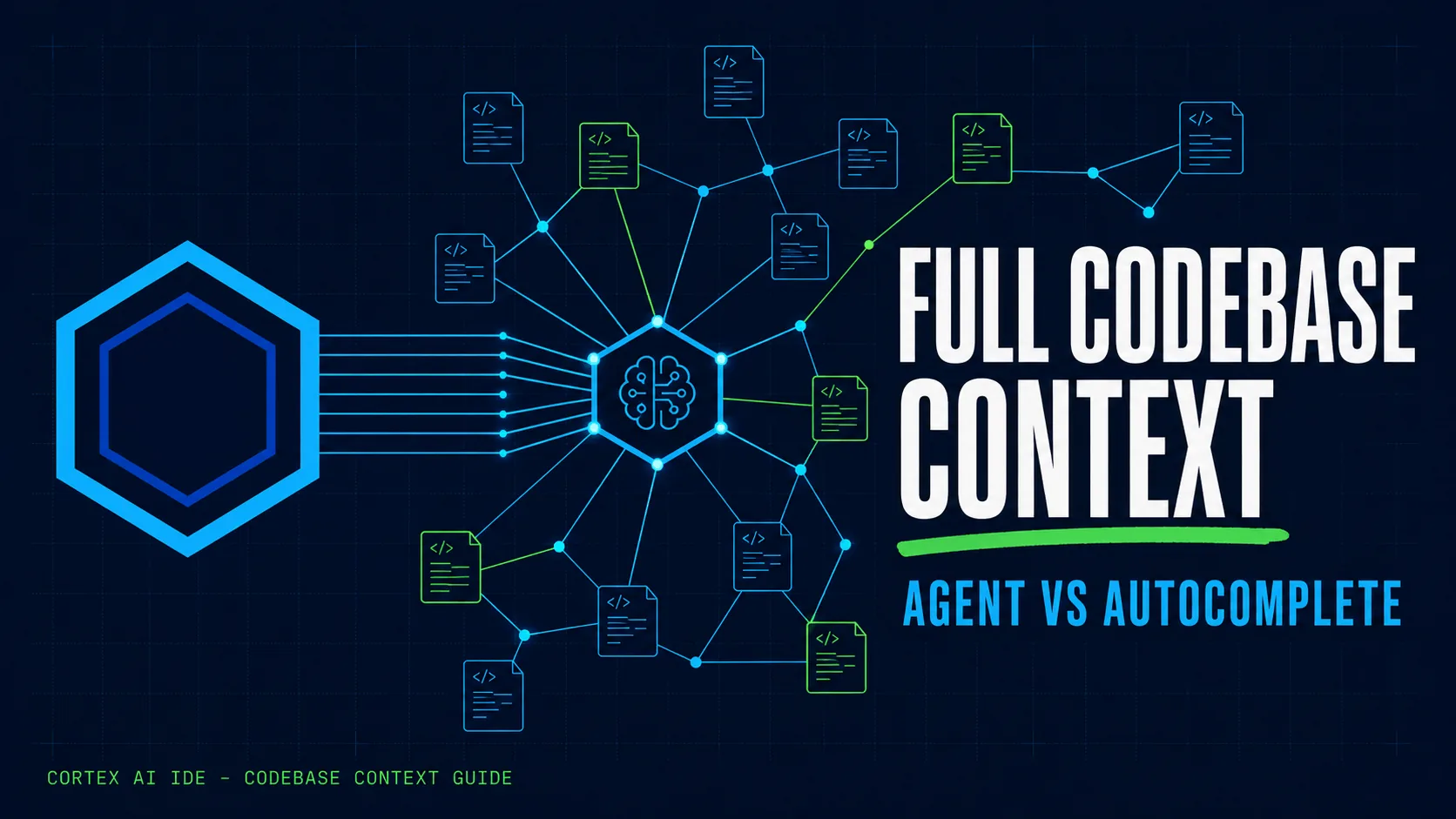
The short answer: an AI coding agent is only as useful as the code it can see. Full codebase context means the tool indexes your whole repository locally, retrieves the relevant files when a task starts, and grounds every edit in your real architecture instead of guessing from the one file you have open. If you are comparing AI coding tools, that retrieval step is the single biggest predictor of whether the agent helps or just makes more work.
Plenty of tools now call themselves an AI coding agent. The gap between them is not the model, it is what the model is allowed to look at. A tool that only sees the file in front of it is autocomplete with a chat box. A tool that can search the whole project, find the right files, change them, run the build, and check the result is something else entirely.
This guide is for professional developers and independent builders evaluating AI coding tools for real production work, web apps, APIs, desktop software, anything bigger than a single file. It explains what full codebase context means, why it changes the quality of the code you get, and gives you four tests you can run on any AI IDE in minutes.
Autocomplete vs assistant vs agent
The difference is scope. Autocomplete predicts the next line from the open file. An assistant answers questions from whatever context you paste in. An agent retrieves the right files from your whole repository by itself, edits them, and verifies the result.
| Capability | Autocomplete | AI Assistant | AI Coding Agent |
|---|---|---|---|
| Code it can see | Open file only | What you paste in | Whole repository via index |
| Finds related files itself | — | — | ✓ |
| Edits multiple files in one task | — | Suggests, you apply | ✓ |
| Runs builds and tests | — | — | ✓ |
| Fixes its own errors | — | — | ✓ |
| Good for | Typing faster | Explaining code | Shipping real changes |
Autocomplete is fine for writing faster, the next line, a function body, a common pattern. But it works from limited context, so it will happily recreate a helper you already have or miss the file that actually controls the behavior you want to change. An assistant gives you chat inside the editor, which is genuinely useful, but you still carry the context to it by hand. An agent goes further: you describe the task and it searches the project, finds the related files, plans the change, edits across files, runs commands, reads the errors, and shows you the final diff. That is when understanding the whole codebase starts to matter.
What does full codebase context mean?
Full codebase context does not mean sending every file to the model at once. A good system indexes the project first, then retrieves only the most relevant code when a task starts. Ask "where is payment validation handled?" and the agent should find the right files even if none of them are open.
A useful context system does three things well:
Find code by meaning
Semantic search lets the agent connect ideas, "login check" to authentication code, even when those exact words never appear. This follows the same retrieval-augmented generation pattern documented in Lewis et al., "Retrieval-Augmented Generation for Knowledge-Intensive NLP Tasks" (2020): models answer more accurately when they retrieve relevant source material first instead of relying on memory alone.
Keep the index current
If you change the project, the index has to change with it, or the agent works from stale information. Research backs why this matters at repository scale: "Repository-Level Prompt Generation for Large Language Models of Code" (2022) shows that giving code models project-level context, not just the current file, measurably improves correctness, because the model can see existing APIs, naming conventions, and dependencies.
Show what it used
A good agent makes clear which files it read and which it changed, so the result is easier to trust and to review.
Why context matters
Even a strong model produces poor code when it is starved of information. Without proper context it may recreate a helper that already exists, use the wrong import, follow a different style, edit the wrong file, miss the related tests, or suggest code that does not fit your architecture. With good context it reuses your existing patterns instead of guessing. The model might be powerful, but the result depends heavily on whether it can find the right information.
How to test an AI coding agent
You do not need a long benchmark. Use a real project and run four quick tests:
1. Ask where something is implemented
Pick a feature in a large project and ask where it is handled. A good agent points to the correct files.
2. Ask for a cross-file change
Request something that touches more than one layer, "add a field to the model, update the view, show it in the template," and check whether the agent finds every required file by itself.
3. Break the build
Ask the agent to run the tests or the build. If something fails, watch whether it reads the error and fixes the problem.
4. Check where the index lives
If the tool builds a codebase index, find out where it is stored. For private or company code, that answer matters.
How Cortex handles codebase context
Cortex AI IDE uses a local semantic index to search across your project. The agent uses that index to find the relevant files before it changes anything, then edits the code, runs commands, reviews the output, and keeps going if something fails. The index stays on your machine, and BYOK model requests go to the provider you choose. The workflow stays simple:
Describe the task → Cortex finds the code → makes the change → verifies the result → you review the diff.
Why this changes the workflow
Good context changes how you work with AI. Instead of hunting down every file and pasting code into a chat, you describe the outcome you want and the agent handles the repetitive work while you make the decisions that matter. That pays off most on refactoring, bug fixes, test updates, repeated changes, and feature work that spans many files. The goal is not to type code faster, it is to spend less time searching, copying, and repeating yourself.
The bottom line
The model name matters less than the context it receives. A good AI coding agent should not only generate code, it should understand enough of your project to make useful changes with less hand-holding. When you test any AI IDE, do not fixate on the model. Check whether it can find the right files, understand the project structure, work across multiple files, run and verify code, and show you what changed. That is what turns a smart autocomplete into something that genuinely helps with real development. Learn more about Cortex AI IDE →
Frequently asked questions
What is an AI coding agent?
An AI coding agent plans a change, retrieves the relevant files from your repository, edits them, runs the build or tests, and iterates on failures, instead of only completing the line you are typing.
What does full codebase context mean?
A semantic index over your whole repository that the model queries at task time, so answers and edits are grounded in your architecture, conventions, and dependencies, not just the open file.
Does codebase context require uploading my code to the cloud?
No. Local-first tools like Cortex build and keep the index on your machine; only the prompts you approve go to the model provider whose API key you hold, over TLS.