Best Free AI Coding IDEs in 2026
Free in 2026 usually means a limited plan, a short trial or BYOK. Learn the difference, what to check and which free AI coding IDEs are worth trying.
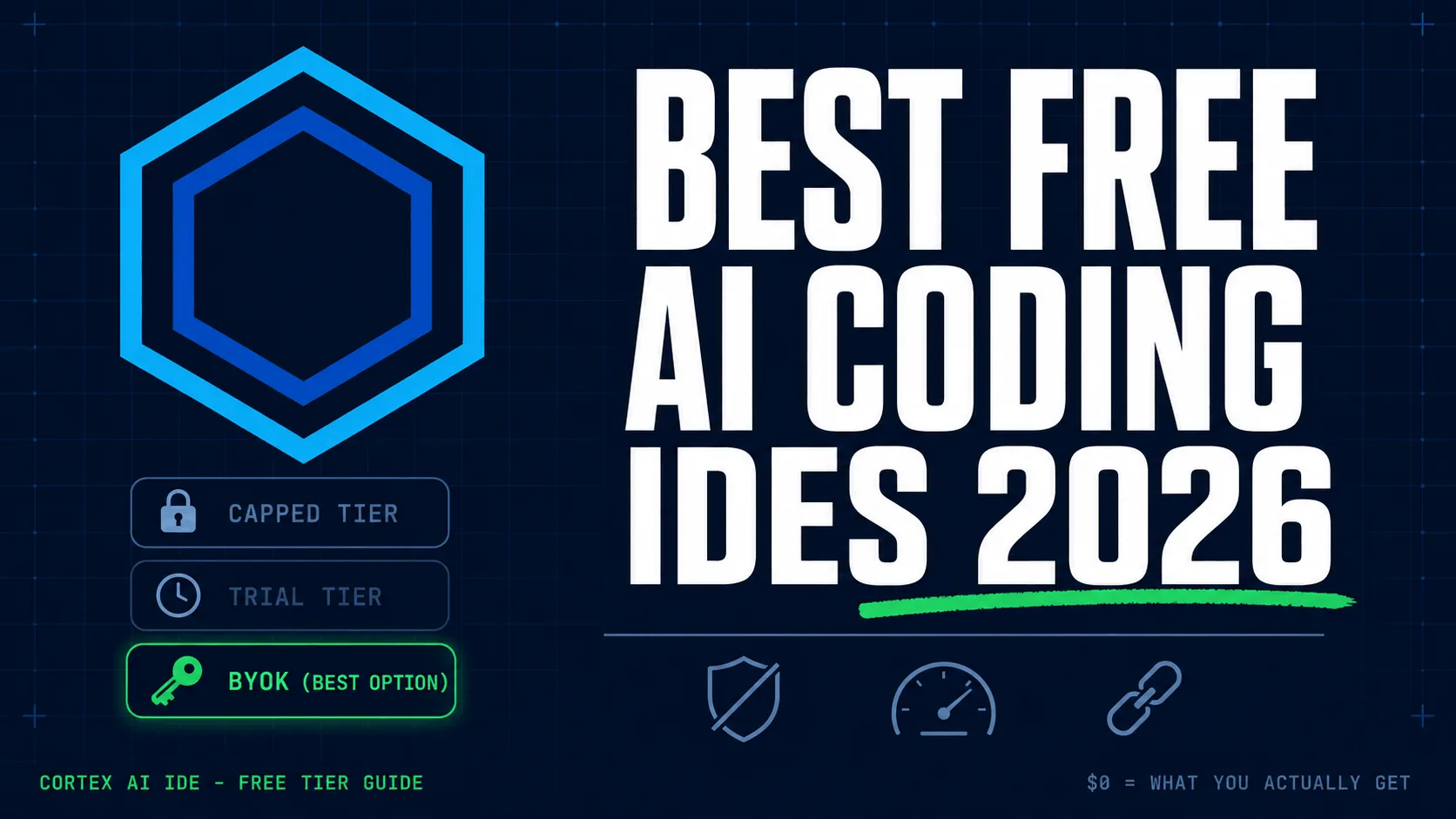
The short answer: "Free" AI coding IDE means one of three things in 2026: a capped free tier, a short trial, or BYOK, where the IDE is free and you pay your model provider per token. Only BYOK and a free tier stay free after the first month. The catch with a free tier is the cap, GitHub Copilot Free and Cursor's free plan both allow 2,000 completions and 50 chat or premium requests a month, which light use clears but daily agentic work does not.
Finding a free AI coding IDE is easy. Finding one that is still useful in week three is the harder question, because the word "free" hides three different deals with three different endings.
This page lays out the three models, the real limits of the free tiers, and which tools are worth your time, with sources you can check rather than a review you have to trust.
What does "free" actually mean for an AI coding IDE?
Before comparing tools, know which of the three deals you are being offered. Most "free" marketing collapses them into one word, and that is where the surprise lives.
Free tier
A permanent free plan with a monthly cap on completions, chat, or agent requests. It does not expire, but it does run out. GitHub Copilot Free allows 2,000 code completions and 50 chat requests per month; Cursor's free plan is the same shape, 2,000 completions and 50 slow premium requests. Enough to evaluate, not enough for a full month of daily coding.
Free trial
Premium features for a fixed window, usually 7 to 14 days. Good for a side-by-side comparison, but it is a countdown, not a free option. When it ends you either pay or lose the features you tested.
BYOK (bring your own key)
You connect your own API key from a provider such as Anthropic, OpenAI, DeepSeek, Alibaba Qwen, Xiaomi MiMo, or OpenRouter. The IDE itself stays free; you pay the provider only for the tokens you use, at their list price with no markup. There is no monthly cap and no expiry, because there is no vendor absorbing your inference cost. This is the model Cortex is built around, and for daily agentic work it is usually the cheapest of the three.
How do the three models compare?
What each model actually gives you, and where each one ends:
| Criteria | Free tier | Free trial | BYOK |
|---|---|---|---|
| Stays free past month one | ✓ | — | ✓ |
| No monthly cap on usage | — | — | ✓ |
| Choose your own model | — | — | ✓ |
| Agent / multi-file editing | Limited or paid | ✓ | ✓ |
| What it costs after the limit | Upgrade or wait for reset | Subscription starts | Pay-per-token only |
What actually matters in a free AI coding IDE?
An AI coding IDE should do more than autocomplete. These are the things worth checking before you commit a project to one:
- Whole-project context. It should find and read the right files across the repo, not just the one you have open.
- Multi-file edits. A real agent changes several files in one task and keeps them consistent.
- Commands and tests. It can run your shell, your tests, and your build, and it reports what actually happened.
- A diff before it lands. You review the change before it is saved.
- Model choice. You are not locked to one vendor's model.
- Key storage you can check. Your API keys belong in your operating system's secure credential store, not a plaintext config file.
That last point is the one people skip. Before you paste a key into any tool, know where it is stored and whether your prompts go straight to the provider or through the vendor's servers. The BYOK guide walks through the checks in detail.
Which free AI coding IDEs are worth trying in 2026?
Four options, with their real limits rather than a review score:
VS Code + Cline or Continue
The most flexible route if you already live in VS Code. Cline and Continue are open-source extensions that run on your own API keys, so cost and model choice are yours. You are assembling an agent from parts, which is the trade: maximum control, more setup and more configuration to keep working.
Good for: developers who want to build their own workflow and do not mind configuring it.
GitHub Copilot Free
The easiest way to add AI to an editor you already use, with no setup. The free plan allows 2,000 completions and 50 chat requests per month. That covers light use and evaluation; agent features sit on the paid plans.
Good for: occasional AI help and completions with zero configuration.
Cursor (free plan)
A polished AI-first editor, useful to evaluate before deciding whether the paid plan is worth it. Its free plan is 2,000 completions and 50 slow premium requests per month. Fine for a trial, thin for daily work.
Good for: trying a mature AI-first editor before committing to a subscription.
Cortex AI IDE
A native AI coding IDE for Windows and Linux built around BYOK, with an official macOS build guide for Mac users (no prebuilt Mac installer yet). The editor, terminal, Git, project search, and the agent live in one app, so there are no extensions to assemble. The agent searches across the project, edits multiple files, runs commands, and verifies its own work against your tests and build. Your API keys are stored in your operating system's secure credential store with an AES-256-GCM encrypted backup, and prompts go from your machine straight to the provider you chose, with no Cortex proxy in between.
The IDE is free with your own keys. The optional $5/month Pro plan is only for features that need servers, web search, semantic embeddings, voice input, and MCP connections, and the IDE keeps working if you cancel.
Good for: developers who want a verified agent workflow in one app without wiring up extensions.
How do you choose between them?
Four questions settle it:
- Do you want to pick your own model? If yes, choose a BYOK tool; free tiers lock you to one vendor.
- Do you need multi-file agent work, or just completions? For agent work, the free tiers are thin; BYOK or a trial is the honest path.
- Do you code on Windows, Linux, and macOS? Prefer a tool with native support for your OS and a real integrated terminal.
- Where does your key and your code go? Check the storage and the request path before you trust a tool with production code.
Pick VS Code with Cline or Continue for maximum flexibility, GitHub Copilot Free for simple occasional help, Cortex for a BYOK agent in one workspace, and Cursor to compare a polished AI-first editor before paying.
Where we saw this in practice
This is first-hand testing on our own machine, not theory. On the current build we ran a Django auth refactor of around 40 files with BYOK. The bulk edits went to a low-cost model and only the two tricky edge cases escalated to a frontier model, so the whole pass, including the verification loop that ran the suite and read real exit codes, came in under a dollar. Two failures surfaced only because the loop read the actual test output instead of assuming success.
That is the practical case for BYOK over a capped free tier: a wide change like that would spend a month of completions in an afternoon. For the cost math, see cheapest coding agent models.
The bottom line
Do not pick an AI coding IDE only because it says "free". Ask what happens after the limit, and whether the tool fits the way you actually work. A free tier is fine for evaluation, but for daily agentic coding, BYOK is the model that stays free and stays uncapped, because you pay only for the tokens you use and you choose the model.
Try Cortex AI IDE: free with your own API keys, no subscription required.
Frequently asked questions
What does “free” mean for an AI coding IDE in 2026?
Usually one of three things: a limited free tier with a monthly message cap, a short trial of premium features, or BYOK, where the IDE stays free and you pay your AI provider only for what you use.
What is BYOK in an AI coding IDE?
BYOK means Bring Your Own Key. You connect your own API key from a provider such as OpenAI, Anthropic, DeepSeek, Qwen, MiMo, or OpenRouter, and the IDE can stay free while you pay the provider directly.
Which free AI coding IDE should I choose?
Pick VS Code with Cline or Continue for flexibility, GitHub Copilot Free for a simple setup, Cortex AI IDE if you want a BYOK agent in one app on Windows, macOS, or Linux, or Cursor if you want to try a polished AI-first editor before paying.